EvaSpy for Windows
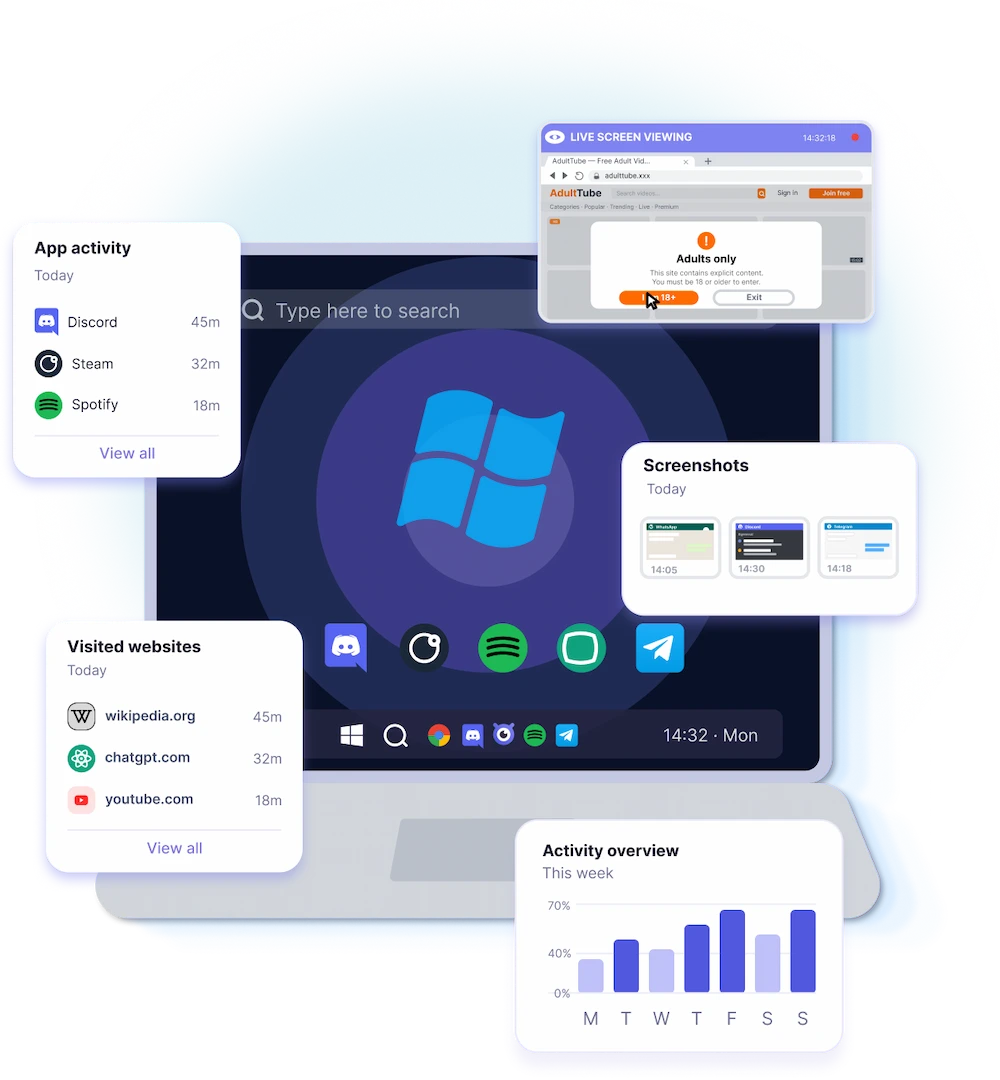
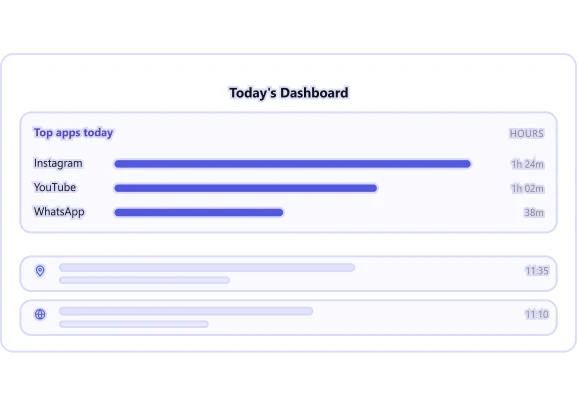
EvaSpy for Windows helps parents understand how a child uses a Windows computer at home. With the parental control app, you can review app usage, visited websites, screenshots, internet traffic usage, installed apps, website blocking events, and device activity statistics from a single online dashboard.
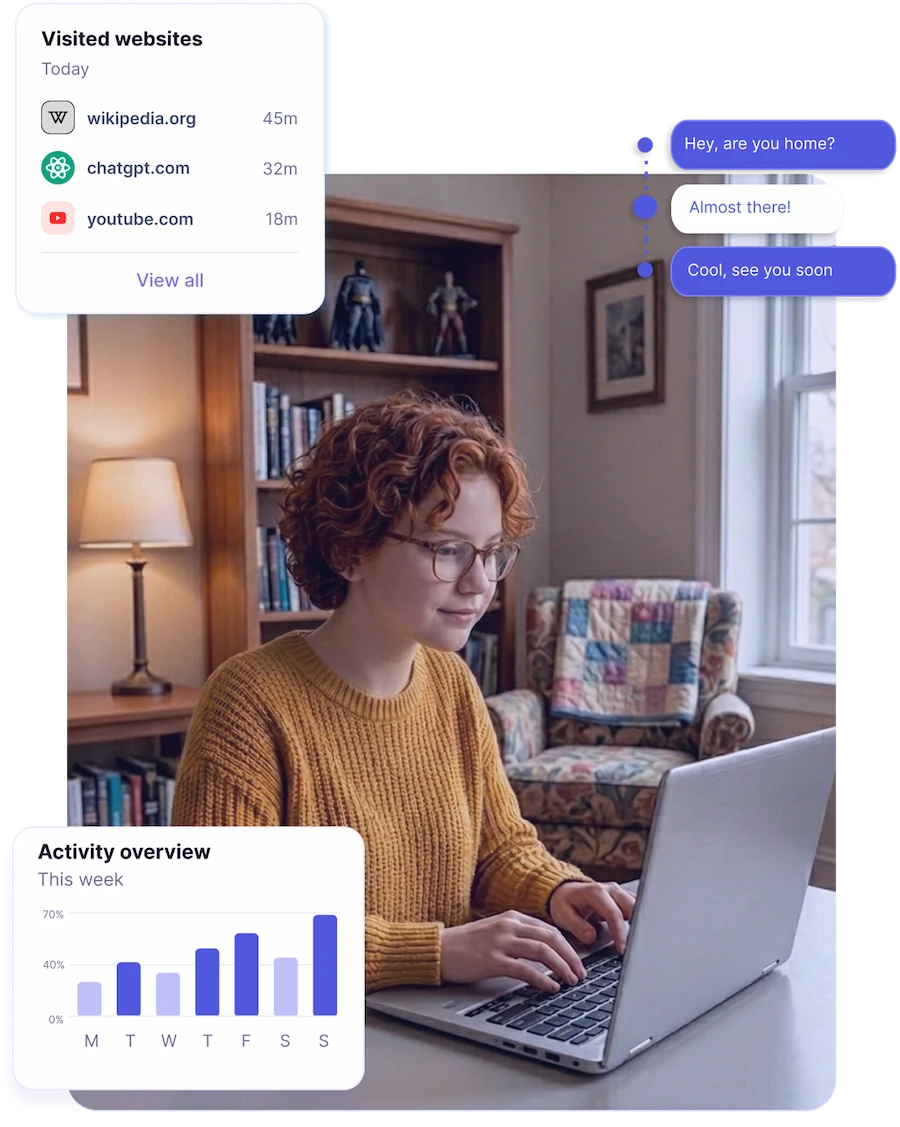
Notice distracting apps, unsafe websites, late computer use, AI chat activity, and other patterns that may need a calm conversation or clearer family rules.
Windows Monitoring Features
EvaSpy for Windows helps parents view their child’s computer activity: apps, websites, screenshots, internet usage, and device statistics. Parents can learn how the computer is used without checking the device manually every day.
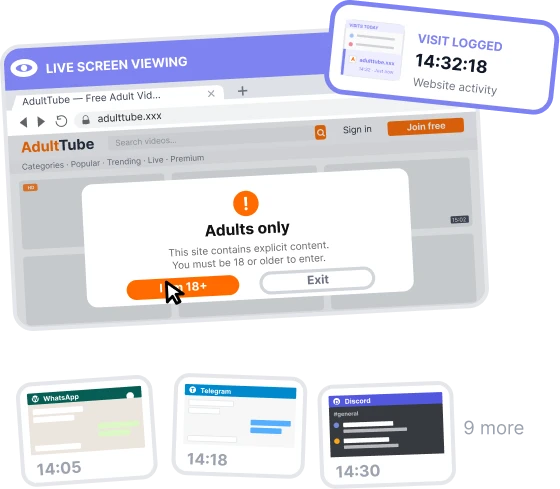
Screen & Input
- Live screenAvailable
- Screenshots(Available in supported apps)
- Recognized text searchIn dev
Chat activity
- Messenger activity(Available where supported)WeChatTelegramFacebook+ 30
- AI chat activity(Available where supported)ChatGPTClaudeGemini+ 3
Activity & Usage
- Installed apps overviewAvailable
- Device statisticsAvailable
- Internet traffic usageAvailable
- Device activityAvailable
Insights & Dashboard
- Online dashboardAvailable
- Daily activity statsAvailable
Location
- Device location(Available with system permissions)
- Location history(Available with system permissions)
App & Web control
- Website activity(Available in supported browsers)
- Active appsAvailable
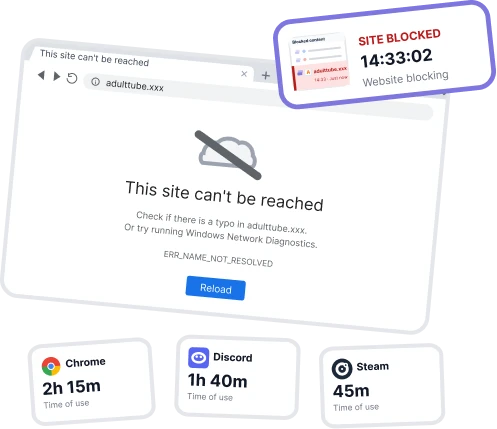
- Website blocking(Available with browser-related limitations)
Feature availability may depend on the Windows version, browser support, and selected plan.
What Can You Review on Windows?
With EvaSpy for Windows, you can check your child’s computer activity: what messengers they use, what games they play, what sites they visit, what they type, what apps they install, and more.

EvaSpy supports activity review in 30+ messengers and apps, including WhatsApp, Telegram, Instagram, Facebook Messenger, Snapchat, Discord, WeChat, Gmail, and more.
Active apps
See which apps are active and how long they stay in focus.
Visited websites
Review browsing activity in the most popular browsers.
Messenger and AI apps
Review activity in AI apps and 30+ messengers through screenshots.
Screenshots
See screenshots from supported apps, browsers, messengers, and AI chat tools.
Website blocking
Limit access to selected websites where blocking is supported.
Blocking events
See attempts to open blocked websites.
Live screen
View the child’s computer screen live when needed.
Device statistics
Understand when the computer is active and how it is used during the day.
Installed apps
Check which apps are installed on the computer.
Device activity
Understand when the computer is active and how it is used during the day.
How to Set Up EvaSpy for Windows
You don’t need technical knowledge to use EvaSpy for Windows. The parental control app is designed to be easy to set up and use.
Create your account
Sign up and choose a plan based on the features and the number of computers you need.

Install EvaSpy on the computer
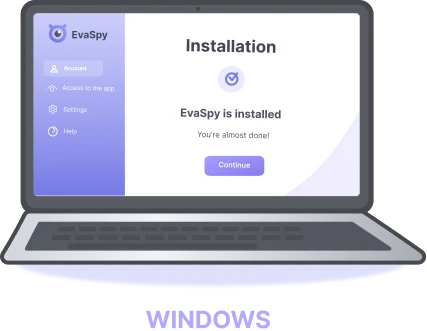
Download the app from your dashboard and install it on the computer you want to monitor. You will need physical access to it.
Open your dashboard
The first reports usually appear there within a few minutes after installation. You can access the dashboard from a browser on your computer or phone.
Review computer activity responsibly
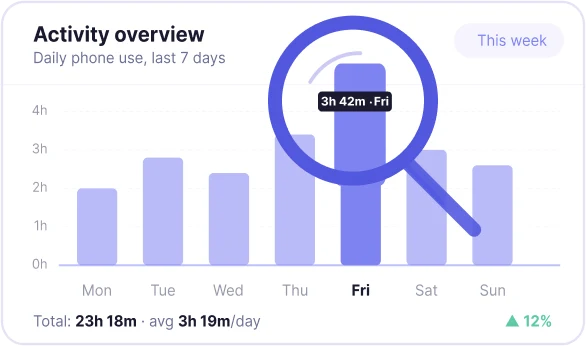
Use the reports to understand how your child uses the computer, notice possible risky behaviour, and support healthier digital habits.
Windows Compatibility and Requirements
Before choosing a plan, check which features are available and make sure the computer is running a supported Windows OS version.

Windows OS 10 and up
EvaSpy is designed for computers running Windows OS 10 and above.

Physical access required
Access to the computer is required for the initial setup.

Browser Compatibility
Website activity and website blocking may depend on supported browsers.
Responsible Use of Windows Parental Control
EvaSpy for Windows is a parental control app for family safety and lawful monitoring with proper authorization.
Generally, parents can monitor minor children's activity on their devices for safety and well-being. However, monitoring adults usually requires proper notification and consent. Always check and comply with the laws that apply in your country, state, or region.
EvaSpy must not be used for secret monitoring, stalking, tracking another adult without authorization, or any unlawful purpose.
EvaSpy is not hidden spyware. The app remains visible on the monitored device, and the person using it should know that monitoring is active. We encourage open communication — especially with children — about what EvaSpy reviews and why.
You may use it on:
- your own computer;
- your child's computer;
- a family-owned computer with clear rules;
- a computer you have a legal right and required consent to monitor.
EvaSpy for Windows FAQ
Yes. EvaSpy works on computers running Windows OS 10 and above.
You can review active apps, visited websites, screenshots, installed apps, internet traffic usage, website blocking events, device activity, device statistics, and the live screen.
Yes. It is designed for parental control and family device monitoring. The app helps understand how a child uses a family computer, which apps they open, which websites they visit, and when the device is active.
Yes. You can review visited websites from the most popular supported browsers.
Yes. Website blocking is available on Windows in the most popular browsers. You can use it to limit access to distracting, harmful, or inappropriate websites.
No. App blocking is not available on Windows. On Windows, EvaSpy focuses on reviewing app activity, website activity, screenshots, internet usage, and device statistics.
Yes, in supported AI chats, messengers, and social media platforms, including WhatsApp, Discord, Telegram, Instagram, Viber, and others. EvaSpy can help review messenger and AI app context through screenshots and typed text.
No. Screenshot text recognition is not available on Windows.
Our parental control app is designed for lawful use on your own computer, your child’s computer, or a computer you have a legal right and required consent to monitor. Parents can generally monitor minor children’s devices, but monitoring adults usually requires consent. Always check and comply with your local laws.
Monitor Computer Activity Responsibly with EvaSpy
Designed for parental control and family safety, EvaSpy for Windows helps you check your child’s computer activity, understand digital habits, and support safer family rules — all in one convenient online dashboard.